Every project starts with four priorities — Low, Medium, High and Critical — but none of them is fixed. Rename them to match how your team talks, recolour them, add ones you need, and delete ones you never use.
Editing the list
Open Properties from the project sidebar and select Priority.
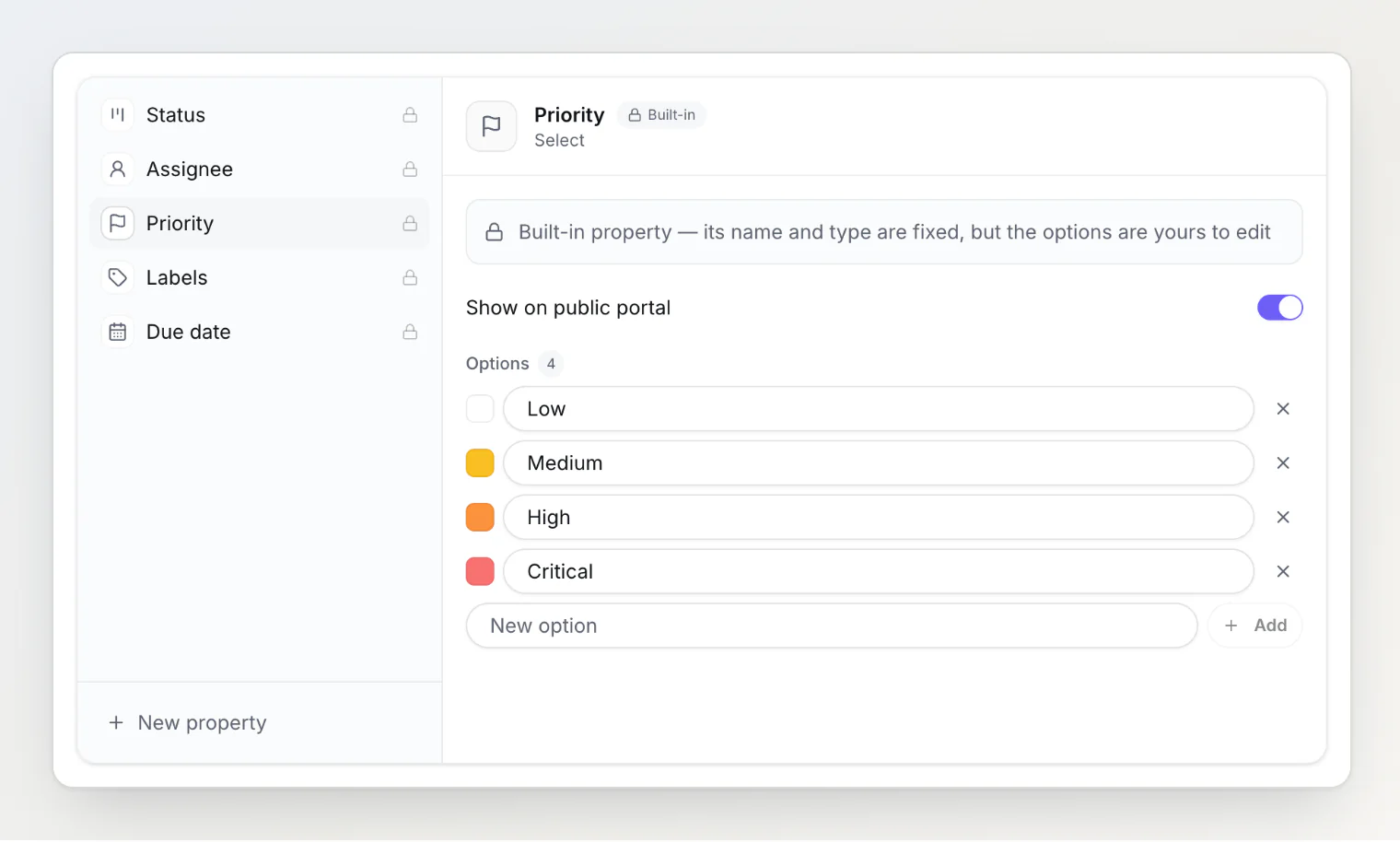
From here you can:
Rename a priority by editing its text directly.
Recolour it with the swatch on the left. Leave a priority without a colour and it renders as a neutral grey chip.
Add one by typing into the box at the bottom and pressing Enter or clicking Add.
Delete one with the × at the end of its row.
Nothing is saved until you press Save, so you can make several changes at once and apply them together. Cancel discards the whole draft.
The order you leave them in is the order they appear in every picker, so drag-free reordering means deleting and re-adding — or simply naming them so the list reads the way you want.
Who can edit them
Editing the priority list needs the owner or admin role, because a rename is visible to everyone in the project and reaches your integrations. Setting a priority on a task stays open to every member.
Members see the priority list as read-only chips on the Properties page.
What happens to existing tasks
A rename carries everywhere, immediately. A task marked Critical before the rename shows the new name on its card, in the task panel, on the public portal, in webhook payloads and through the MCP server. There is nothing to migrate and no re-tagging.
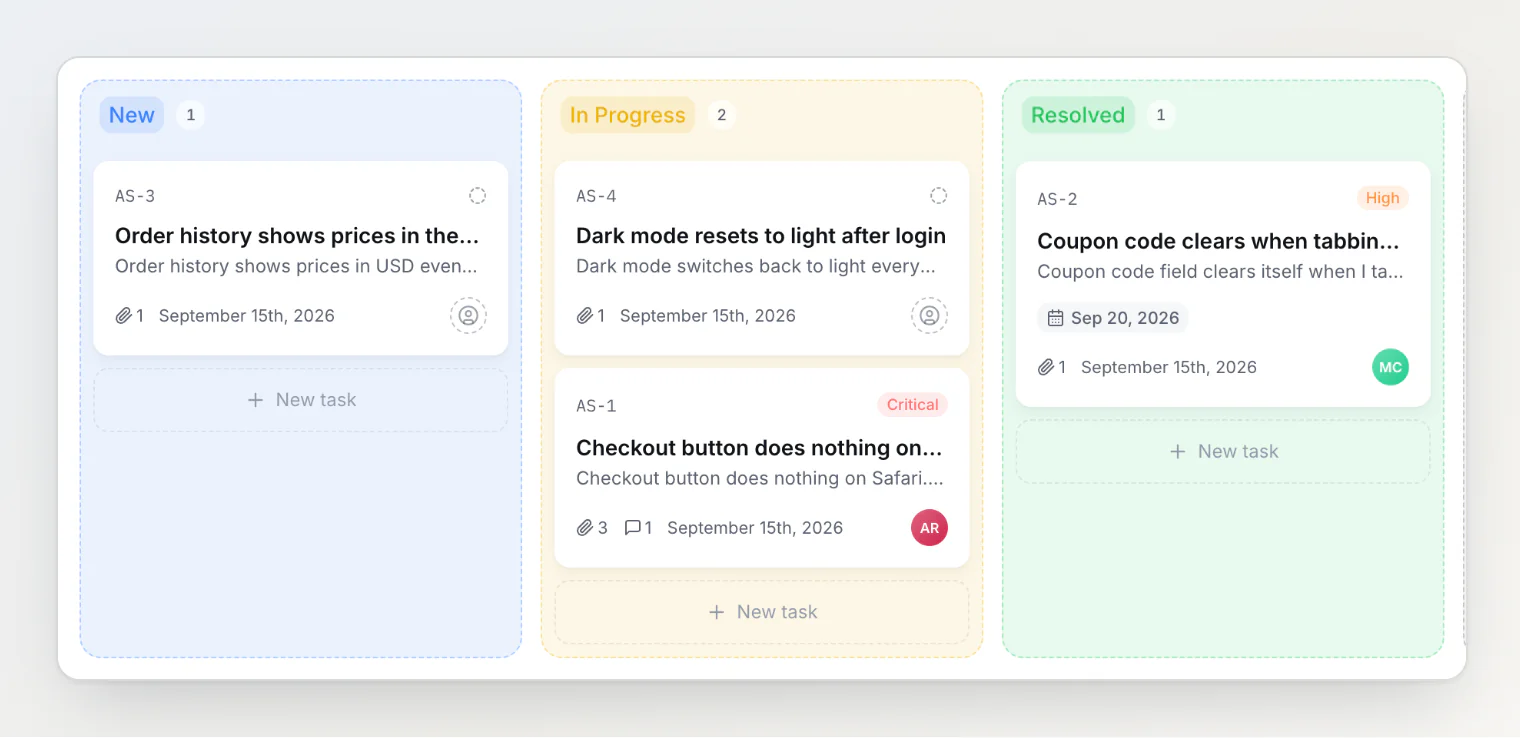
Deleting a priority keeps the tasks. They stay exactly where they are and simply lose that priority, the same way deleting a label leaves its tasks behind. There is no confirmation step, so check the list before saving — but nothing is lost beyond the priority itself, and you can set a new one at any time.
Deleting every priority is allowed. The pickers then show an empty list and the board's priority filter disappears until you add one back. Tasks and reports carry on as normal.
Filtering by priority
The board's Filters panel lists your priorities as checkboxes, so you can select more than one at a time. Active ones appear as removable chips in the filter bar.
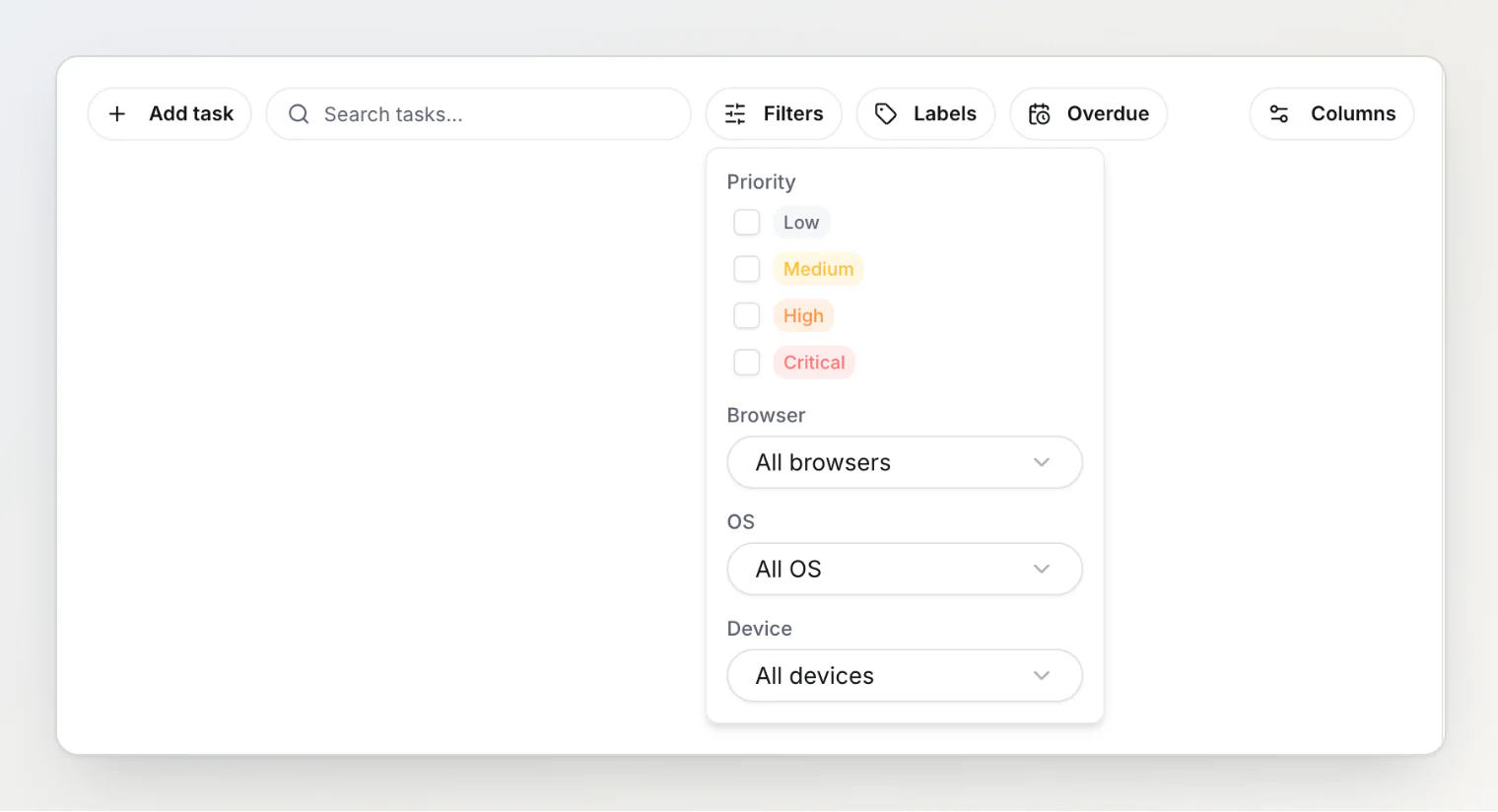
On the public portal, the priority filter shows the same list, and the ?priority= URL parameter takes a priority's name. Matching ignores case, so ?priority=high and ?priority=High both work.
Priorities sent from outside the dashboard
The widget, the report API and the MCP server can all set a priority by name. Matching ignores case and surrounding spaces, so critical still finds Critical.
What happens when a name does not match any priority depends on where it came from:
Source | Unrecognized priority |
|---|---|
Widget or report API (anonymous) | The report is created with no priority |
Dashboard, API or MCP | The request is rejected with an error |
The split is deliberate. Losing a bug report because someone renamed a priority would be far worse than losing the priority, so anonymous reports always get through. An authenticated caller is told, because silently discarding the priority would misreport what was saved.
If you rename a priority, check anything that sends one by name — an embedded widget that passes priority: 'critical', or a script calling the API.
Priorities and your integrations
Jira, Freshdesk, Slack and Discord each have their own notion of severity, and BugDump maps the four default names onto them. A priority you renamed or invented has no equivalent, so those tickets get the destination's middle severity — Medium in Jira, 2 in Freshdesk, a neutral colour in Slack and Discord.
If severity mapping matters to your workflow, keep the default names and add new priorities rather than renaming the existing ones.
Related
Custom properties: adding your own fields — the same mechanism, for fields you define