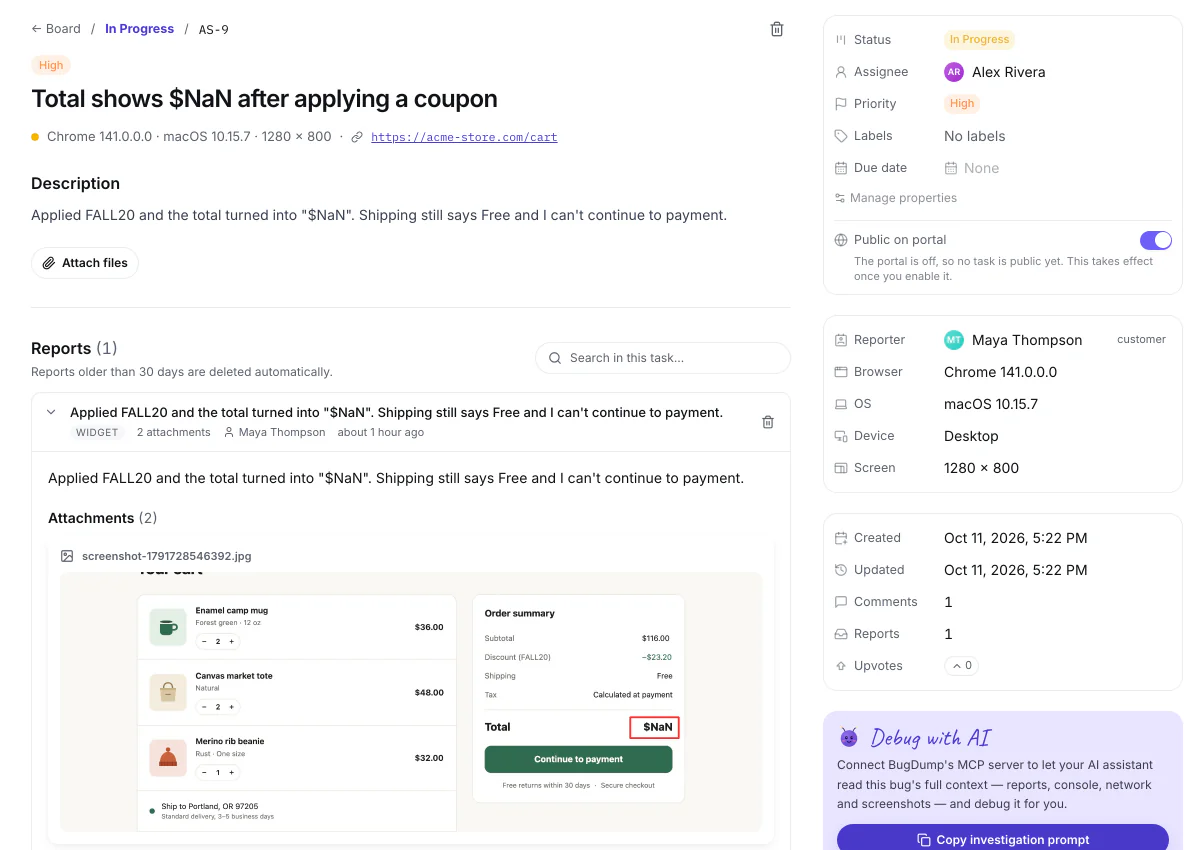
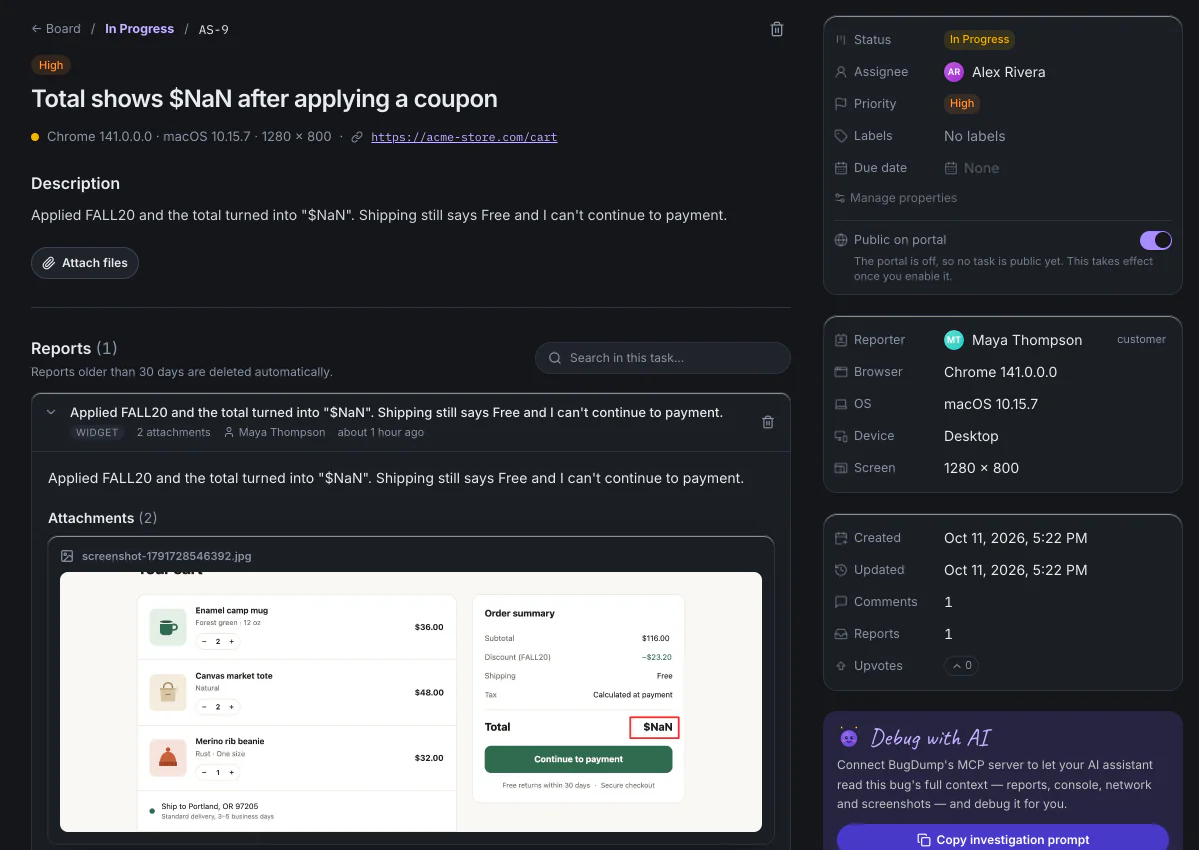
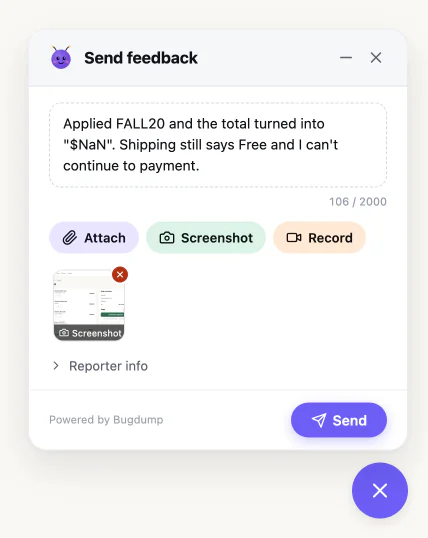
Everything that happened before the click
Forget "it doesn't work, plz fix." Every report ships with the full crime scene.
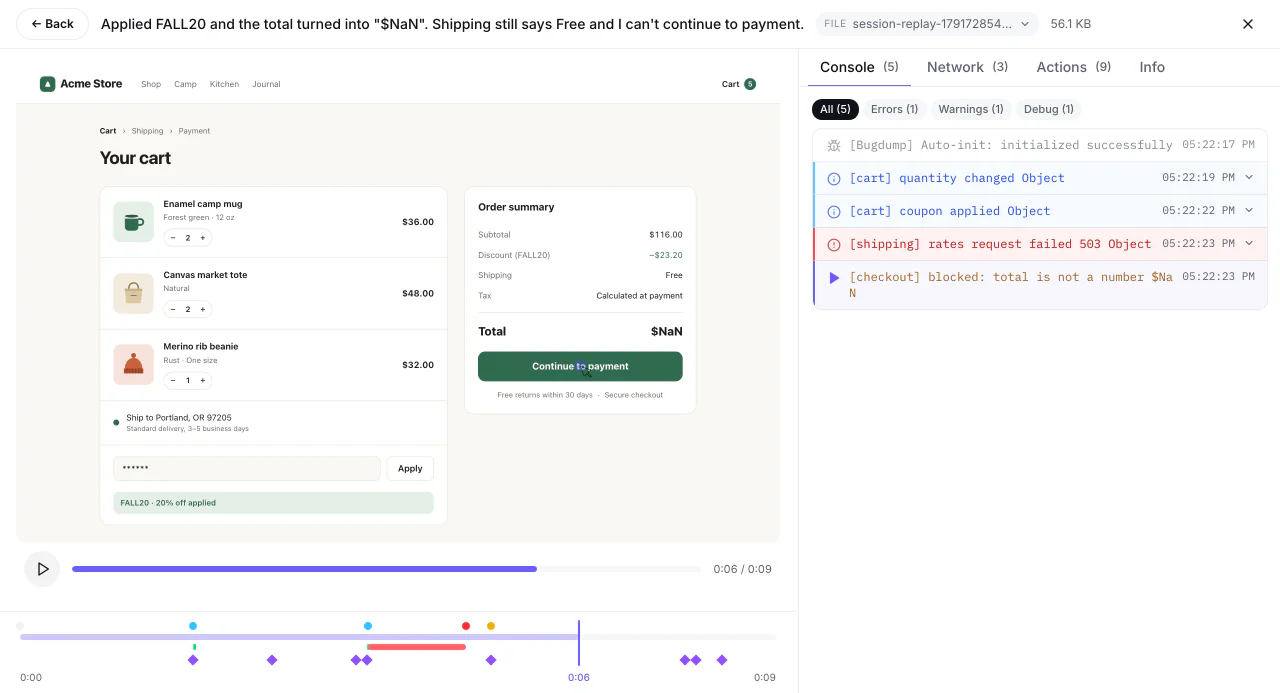
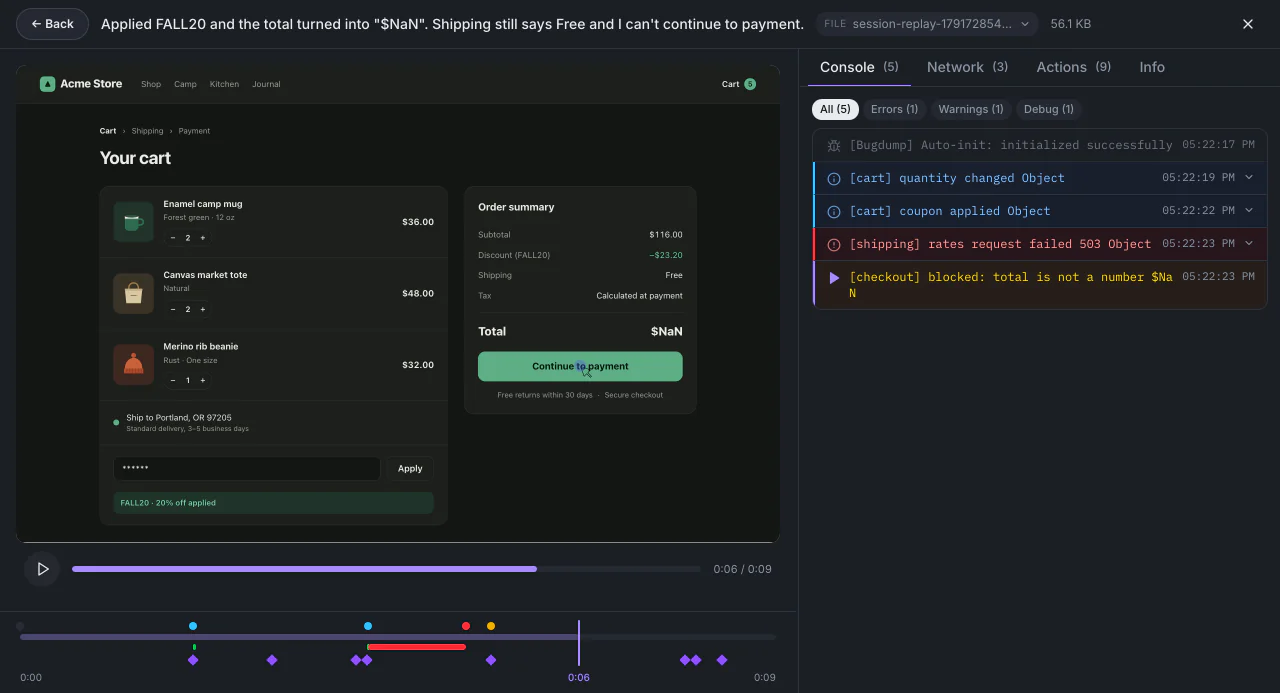
- Screenshot captureAuto + manual. Users can annotate before they send.
- Session replayA replay of the page in the moments before the bug. Scrub back and forth to find it.
- Console logsLast 300 entries (2000 while recording) with errors + warnings. Searchable.
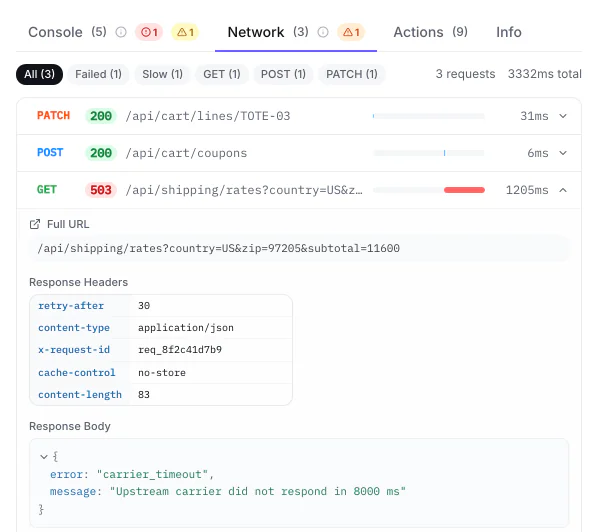
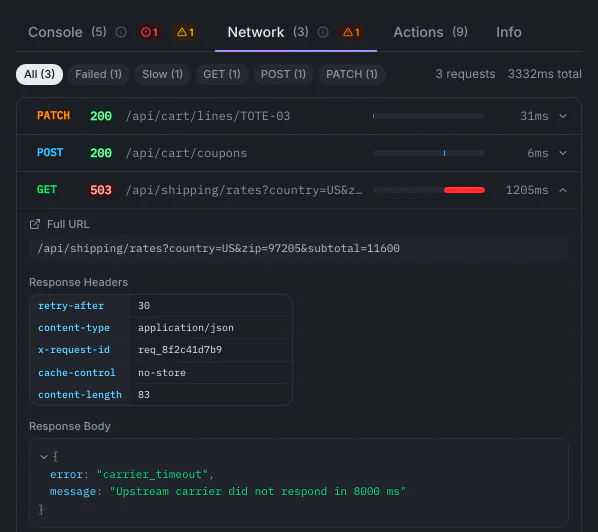
- Network requestsLast 150 requests (1000 while recording) with status codes. Failures flagged.
- User actionsEvery click, input, form submit and page change on the way to the bug.
- EnvironmentBrowser, OS, device, screen, viewport + page URL.
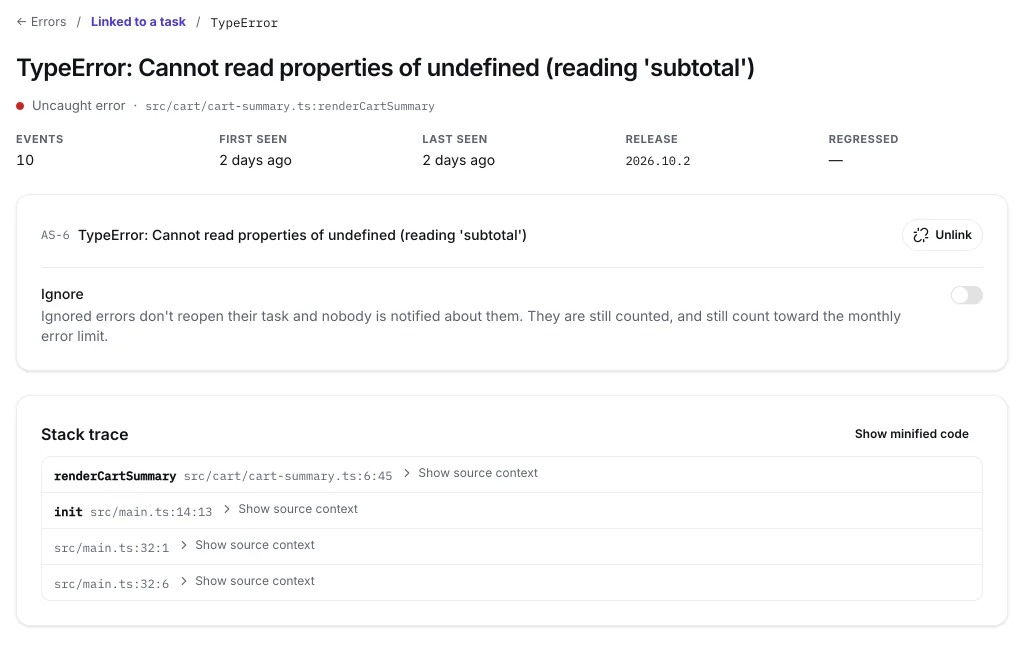
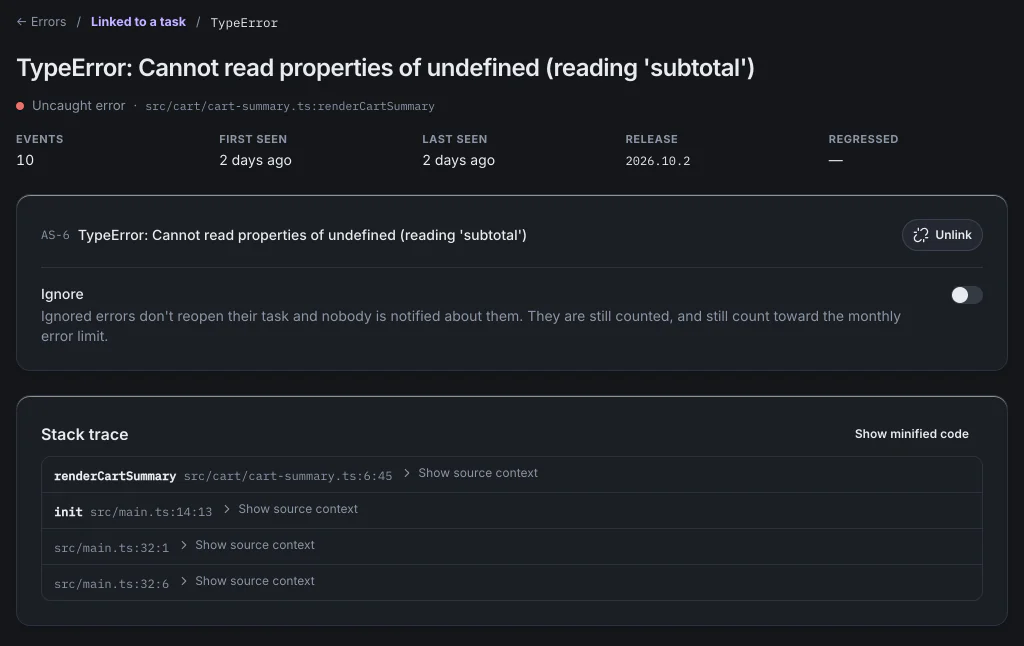
Errors report themselves.
Uncaught errors and failed promises arrive on their own, even when nobody clicks the button. The stack trace points at your source, not the minified bundle.
- Upload source maps from CI with @bugdump/cli
- Repeats of one error group together, with a count
- Turn an error into a task in one click, or ignore it
1,000 errors / month per project · Free forever plan
One board for every bug.
Every report lands as a task. Triage it, hand it to a teammate and move it across your columns.
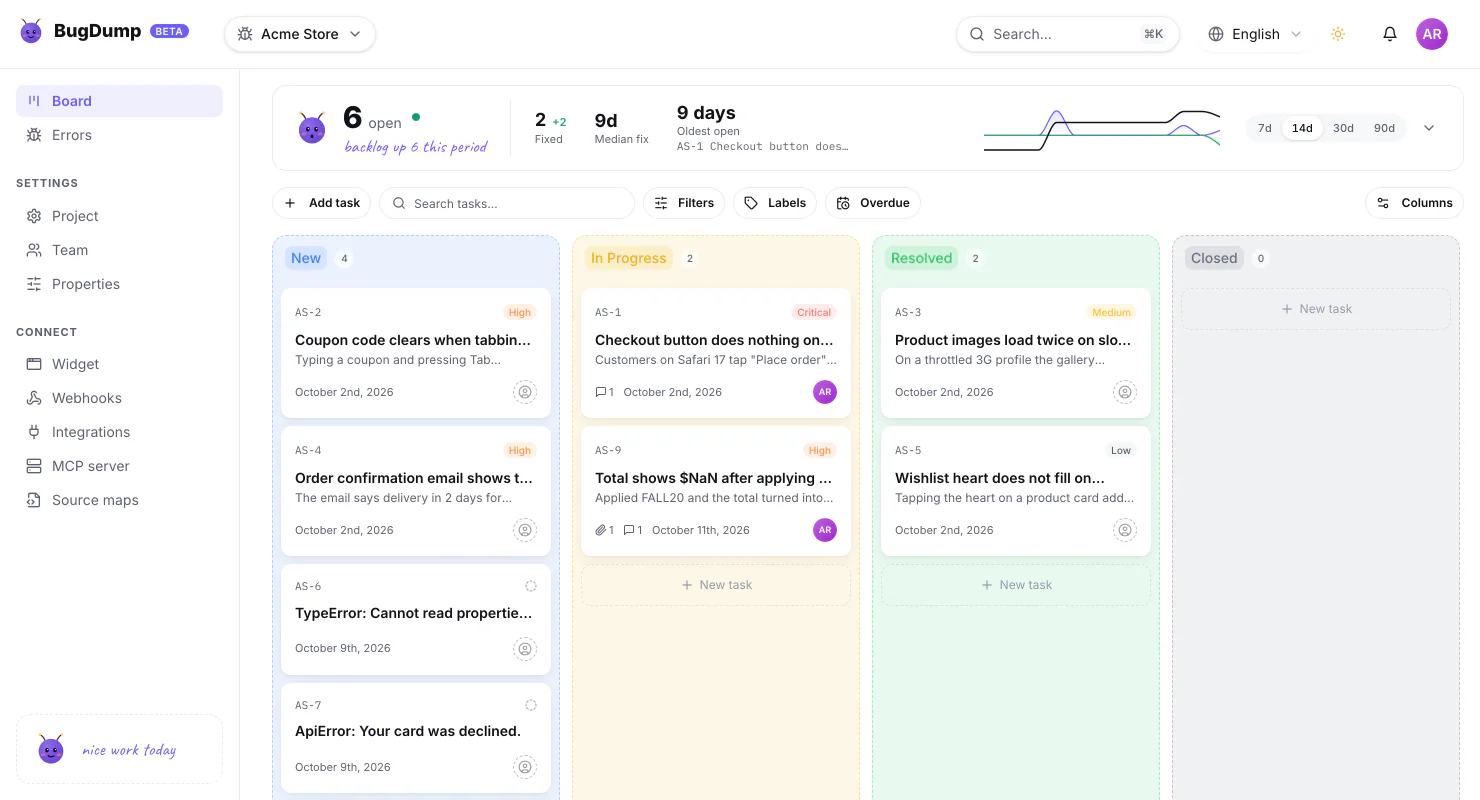
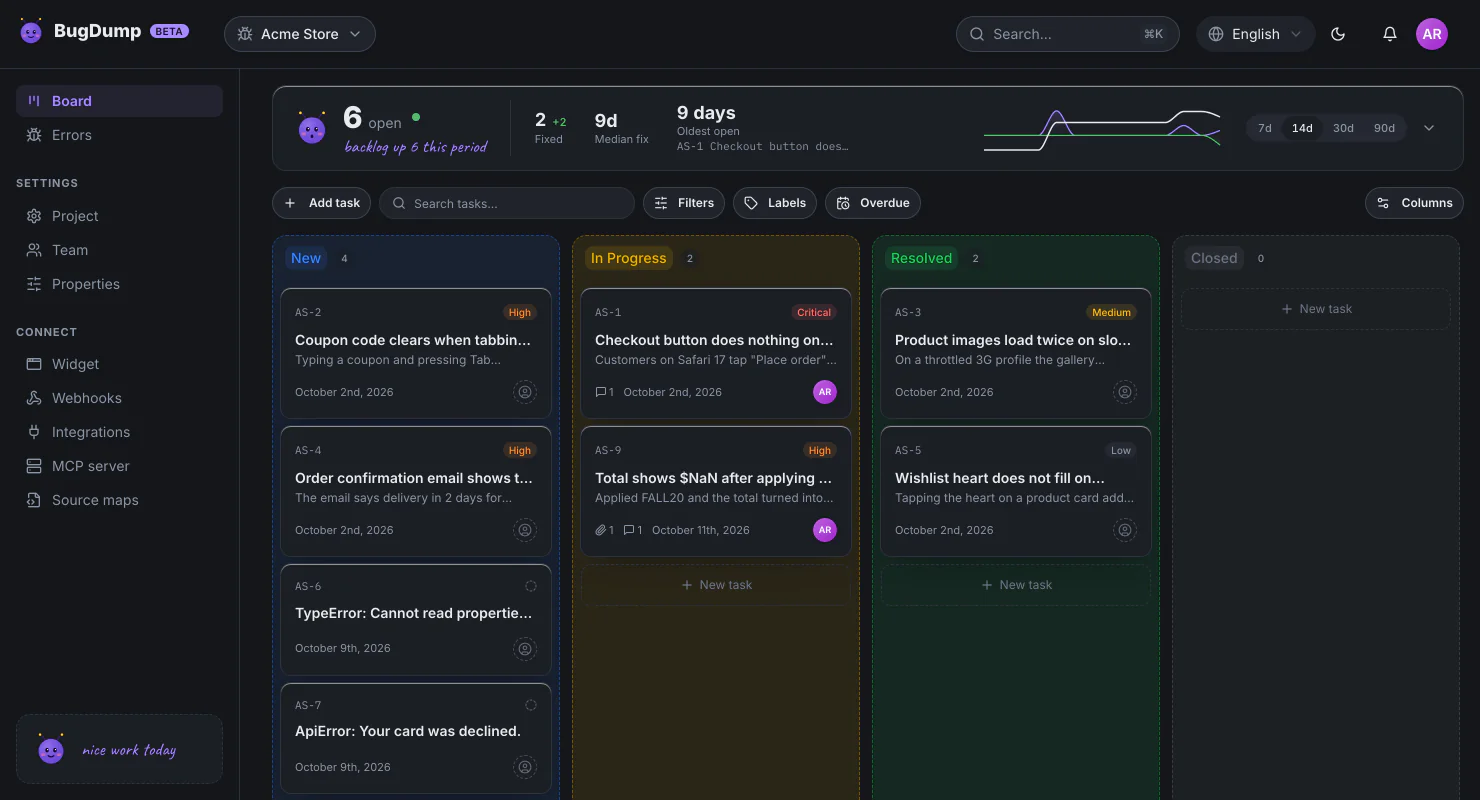
- Set the priority, the assignee, labels and a due date
- Mention a teammate in a comment and they get notified
- Share a public page where your users follow fixes and upvote bugs
Forward bugs to the tools you already work in.
Integrations and webhooks come with Pro and Ultra
 Slack
Slack Discord
 Telegram
 GitHub Issues
 GitHub Actions
 Jira
Jira Asana
Asana Freshdesk
- ∮Webhook
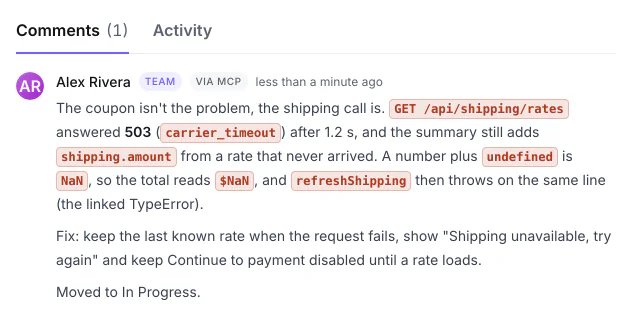
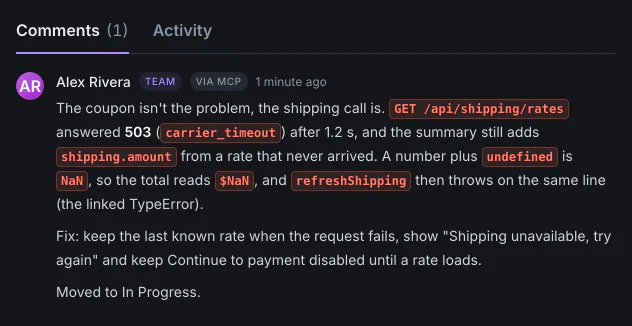
Hand the bug to your AI.
Your assistant reads the report, the console, the network requests and the clicks before the bug, finds the cause and writes it down on the task.
- Claude, ChatGPT and VS Code connect by signing in; Cursor and scripts use a token
- You choose Read only or Read and write
- Every change it makes is marked "via MCP"
One line. That's it.
Paste the script tag with your project's data-api-key. It auto-initializes: no SDK setup, no build step. The npm package is there if you want it.
<!-- Drop this in your <head> or before </body> -->
<script
  src="https://bugdump.com/sdk/latest.js"
  data-api-key="YOUR_API_KEY"
  async
></script>// npm i @bugdump/sdk
import { Bugdump } from '@bugdump/sdk';
Bugdump.init({
apiKey: 'YOUR_API_KEY',
});Free forever. Pay when you grow.
No seat-based pricing nonsense. No "contact sales" tier. Just how many bugs you collect.
Side projects + getting started
- 500 reports / month per project
- 1,000 errors / month per project
- Reports kept for 30 days
- 1 GB storage
- Up to 25 MB per file
- 3 projects · 3 members
- Email notifications
- Screenshot, replay, console + network
- Automatic error capture
- Claude Code MCP
Indie hackers + growing teams
- 10,000 reports / month per project
- 50,000 errors / month per project
- Reports kept for 90 days
- 10 GB storage
- Up to 250 MB per file
- 20 projects · 10 members
- Slack, Discord, Jira, Asana + more
- Webhooks
- Custom properties
- Remove BugDump branding
High-volume products + agencies
- 100,000 reports / month per project
- 500,000 errors / month per project
- Reports kept for 365 days
- 50 GB storage
- Up to 500 MB per file
- 100 projects · 100 members
- Slack, Discord, Jira, Asana + more
- Webhooks
- Custom properties
- Remove BugDump branding
- Everything in Pro
- Highest rate limits
Prices exclude tax.