German is the widget's sixth built-in language. Pages in German (de, de-AT, de-CH and the rest) get it automatically, and you can pick it yourself with data-locale="de" or the Language setting on the Widget page.
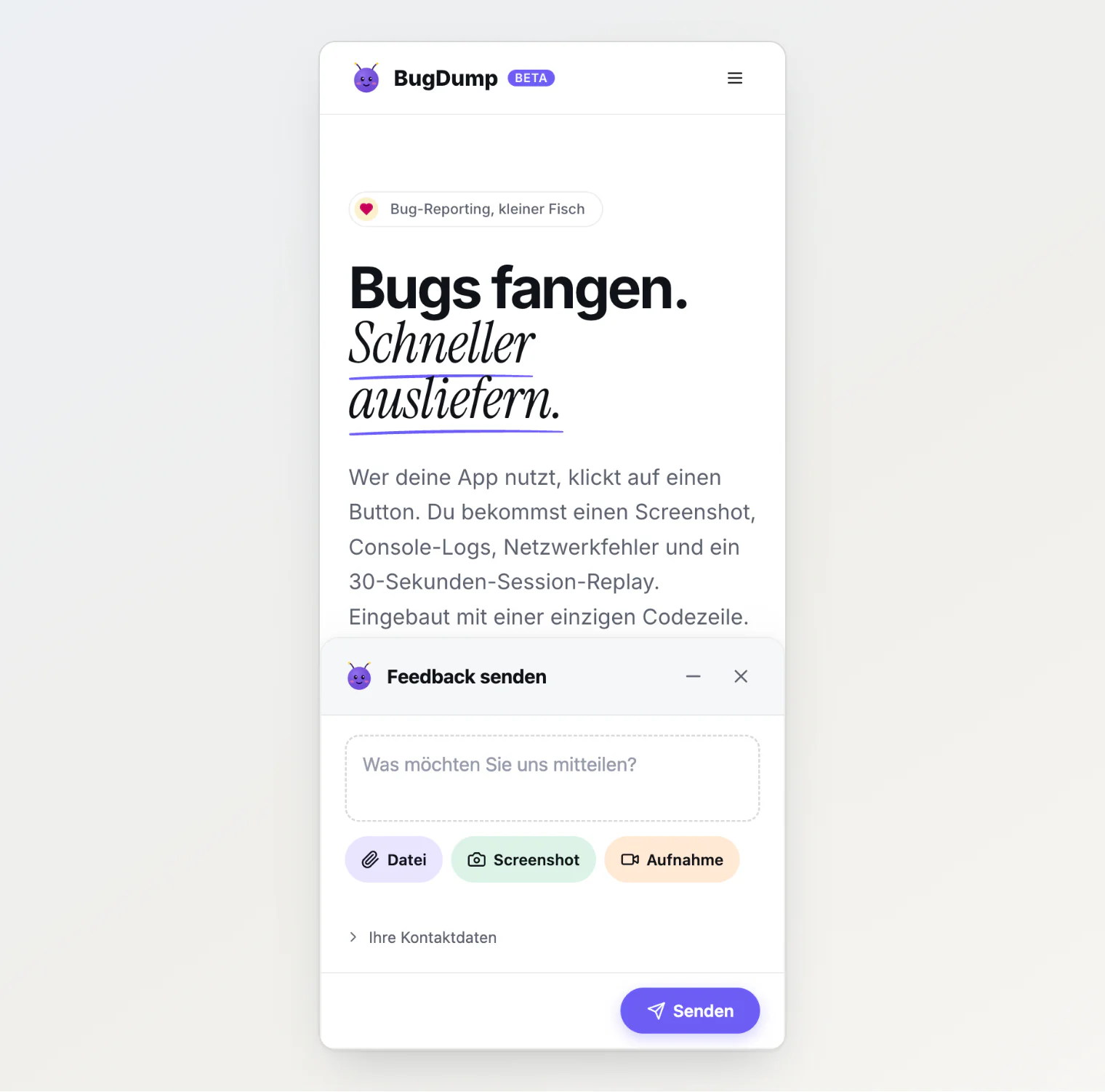
The German strings address visitors formally, with Sie. The widget speaks for your site, and du reads wrong on a bank's or a law firm's. If your site says du, Translating and rebranding the widget lists the seven strings to replace.
Better on phones
On screens up to 440 pixels wide:
The panel opens as a sheet across the bottom of the screen and covers the floating button, instead of floating above it. Its height is limited to the part of the screen you can see, so a long form scrolls inside the sheet rather than under the browser's toolbar.
Text fields use a 16-pixel font, so iPhones no longer zoom the page in when a visitor taps one.
The close and minimize buttons, the section toggles and the attachment remove buttons are bigger and easier to hit.
The screenshot editor's toolbar wraps onto two rows. It used to run off the right edge, out of reach of Cancel and Done, so a visitor who took a screenshot on a phone could not finish it.
Script tag users get all of this automatically. On npm, update to @bugdump/sdk 0.0.42.