A project's public portal now lives at https://your-project.bugdump.com instead of bugdump.com/p/your-project, and a task page is at https://your-project.bugdump.com/tasks/1.
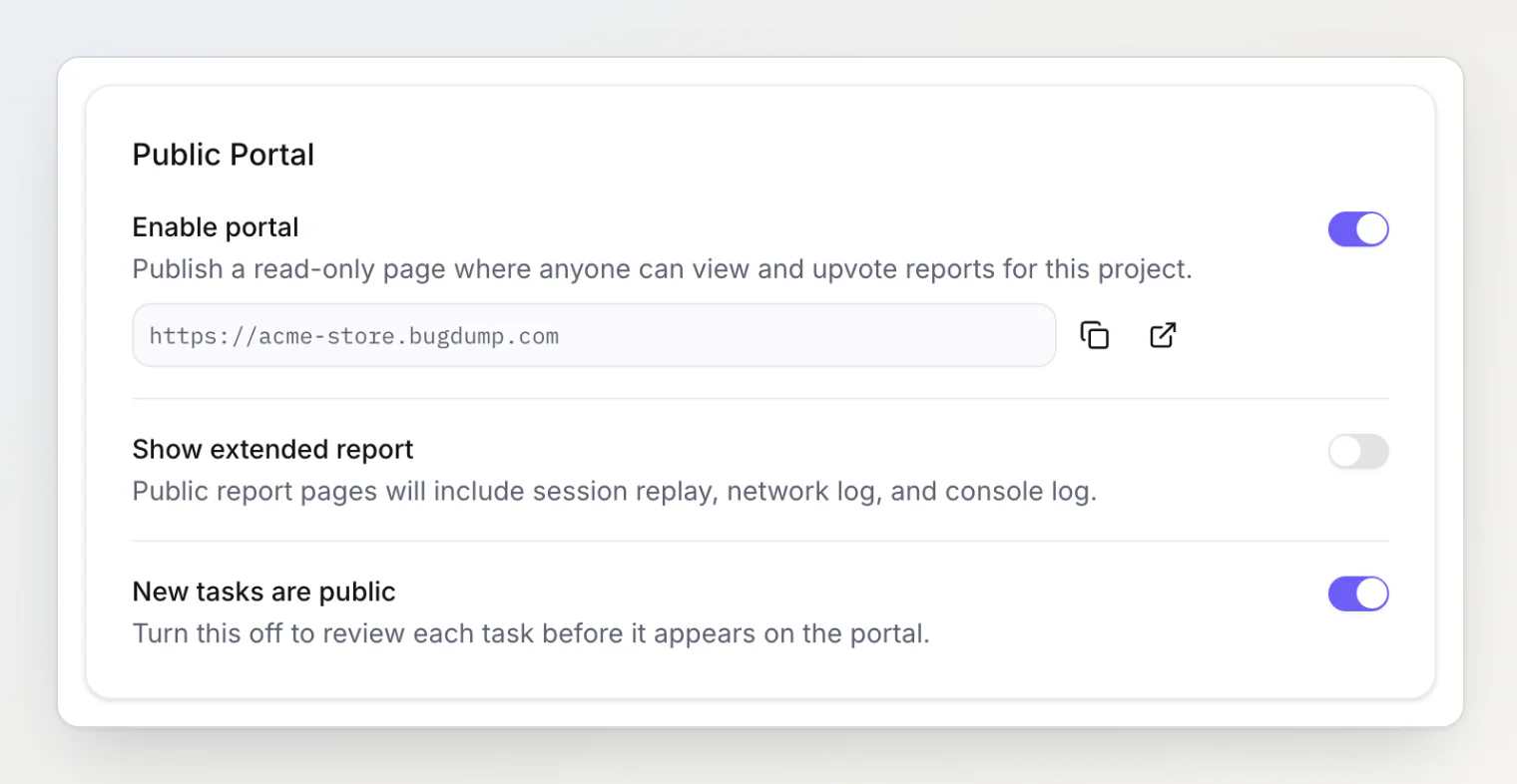
Nothing to change on your side. Links to bugdump.com/p/your-project redirect to the same page on the subdomain, the widget's View reports link points at the new address by itself, and the project settings show it under Enable portal.
The slug is now a subdomain, so a new or renamed slug must be 3 to 63 lowercase letters, numbers and hyphens, with no hyphen at either end. Names BugDump keeps for itself are refused, including some you might pick for a project, such as demo, test, shop or store, and anything starting with bugdump-. Changing a slug moves the portal at once, and no redirect is kept from the old slug, so its links stop working. The Slug field in the project settings now says so.
Read the details in Setting up the public portal.